Guides for Linux
Sections on this page

Zoiper
Download Zoiper for Linux
Follow the guide below to get up and running with the Zoiper application:
- Download, install and launch Zoiper.
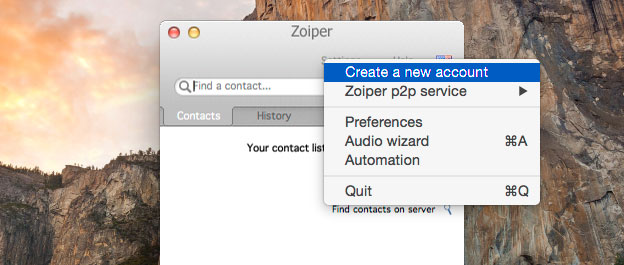
- Click on Settings and the 'Create a new account'.
- Select 'SIP' as the account type and click the next button.
- In the user / user@host field, enter the username you set up on the VoIP User (this is case sensitive), followed by the domain supplied with your VoIP User. e.g. TTNCUser@1a6036cd.sip.ttnc.co.uk
- In the Password field, enter the password you set up on the VoIP User (this is case sensitive).
- In the Domain / Outbound proxy field, enter the domain supplied with your VoIP User and then click the next button.
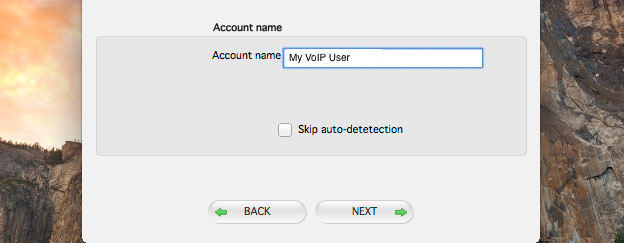
- In the 'Account name' field, enter a description for your VoIP User and click the next button.
- Once your account has been created, click the Close button to start using Zoiper.





Linphone
Download Linphone for Linux
Follow the guide below to get up and running with the Linphone application:
- Download, install and launch Linux.
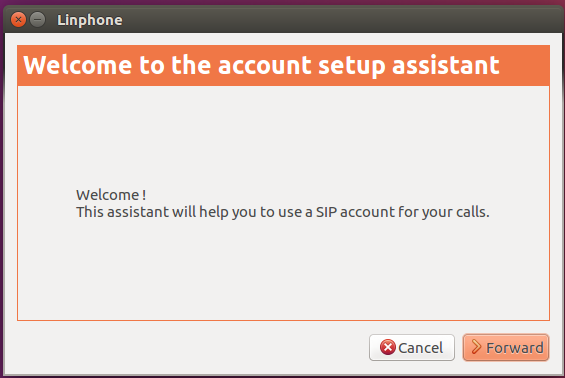
- The set up assistant will open. Click 'Forward'.
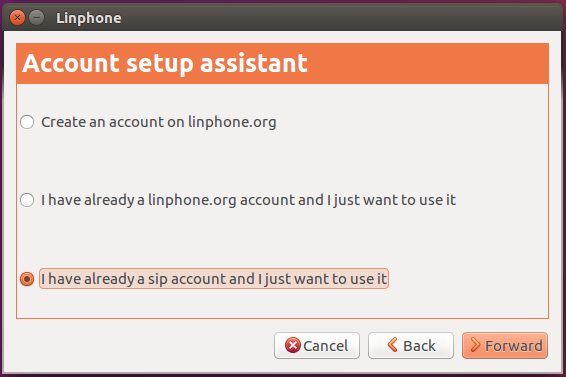
- Select 'I have already a sip account and I just want to use it'.
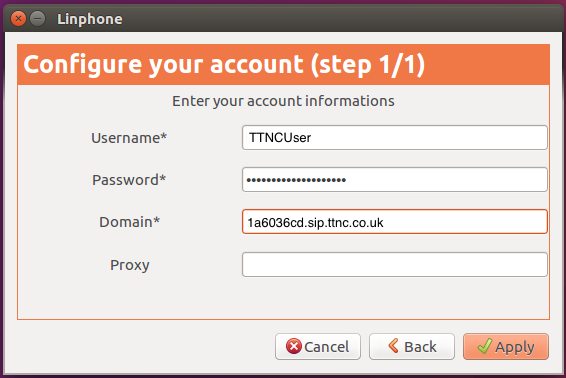
- Enter your Username, Password and Domain which you set up on the VoIP User (these are all case sensitive) and click the Apply button.
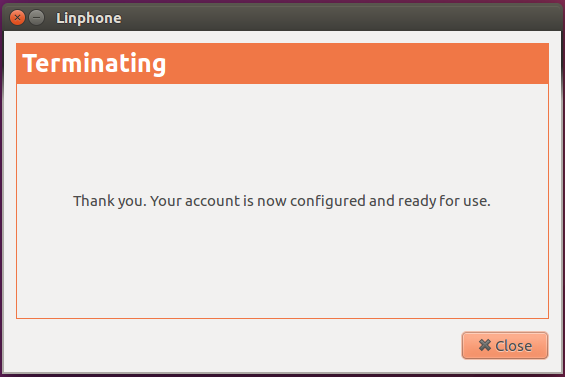
- Once your account has been created you're ready to start using Linphone.